Find the moment you remember.
Search Twitch streams by what was actually said in them.


Live for streamers and viewers · payouts in the works
Put clips on your stream, live.
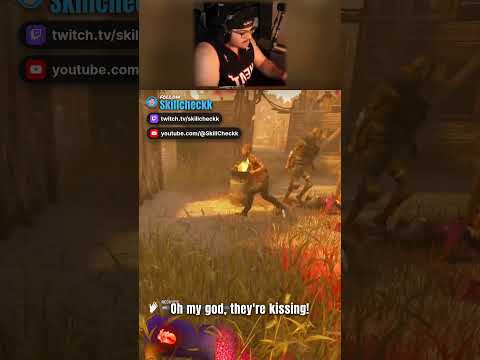
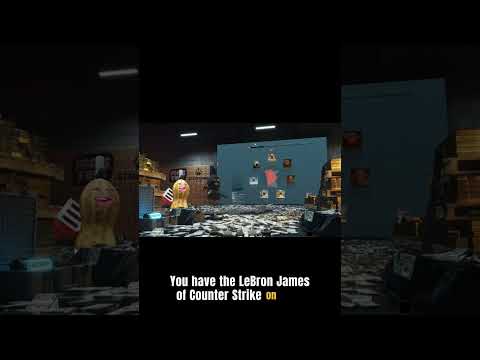
A drop is a short clip that plays full-screen over your stream. Add one browser source in OBS and your own clip lists play on air, free. Open it up and viewers can send clips too — at your price per second, charged only when the clip plays.

Available now
Play your own clips free. Decide who else can send. Charge for the seconds that play.
- Starts locked to you.
- You pick which creators' clips are allowed.
- Sending is free or priced per second.
- Viewers pay with credits or card.
- Charged only when the clip plays.
- Promo credits don't count toward payouts.
Coming
Cashing out what you've earned.
Paid drops build a balance. Withdrawing it to your bank is still being built.


Free, with no card and no trial clock.
- 01Search every transcribed Twitch stream
- 02Build clip lists and export word-aligned transcripts
- 03Play your own clip lists through OBS
Credits buy two things: exporting video and audio — single clips or a whole compilation — at 1 credit per 2 minutes of video, and sending a clip to a streamer's overlay. A credit is 1¢, exports encode on your own machine, and re-exporting the same clip at the same quality is free.
50 starter credits when you sign in — Twitch accounts older than 4 months only. That is about 100 minutes of exported video before you spend anything.
What people ask before signing in.
01What does signing in with Twitch give you?
Your identity, nothing else. We request zero scopes, so we cannot post, follow, DM, or read your chat. The blank scope list on Twitch's authorize screen is expected.
Revoke any time at twitch.tv/settings/connections.
02When am I actually charged?
Never for searching, watching, transcribing your own channel, or building and editing lists. Only exporting a finished video costs anything.
Exports encode in your own browser, on your machine — so the price is a flat token, not a compute bill: 1 credit per 2 minutes of video (rounded up, so anything under 2 minutes is one credit). A credit is 1¢. Re-exporting the exact same clip is free — including after a failed encode — so a retry never charges twice.
Credits also fund a drop on a streamer's overlay — the other thing they buy. Either way you are charged when you act, never automatically. What a credit pack costs to buy is a separate number — you'll see it in settings before anything is charged.
03Can I try without an account?
Yes. Search from the box up top, browse creators and transcripts. Sign in only to work with your own streams — see How do I get set up? below.05How do I get set up?
Sign in with Twitch — that's the whole setup. Your streams start transcribing, and new accounts get a few starter credits to try a render (Twitch accounts older than 4 months qualify). On a TV or a locked-down browser, /login/device pairs with a short code instead.
I build this with creators using it for real. Stuck, or curious? Come to Discord and tell me what you're making.
Find every moment. Put the best ones on stream.
Search by what was said, shape the exact clip, then decide where it goes. Searching is free and your own streams transcribe free. Exports cost 1 credit per 2 minutes of video.
No card required · Nothing is charged until you export